ExpenseLens AI

Demo Receipt

This page provides the fixed sample receipt used for App Review and QA. The same receipt is also available inside the app from the Capture page.

Receipt image

A clean demo receipt that reviewers can inspect or save.
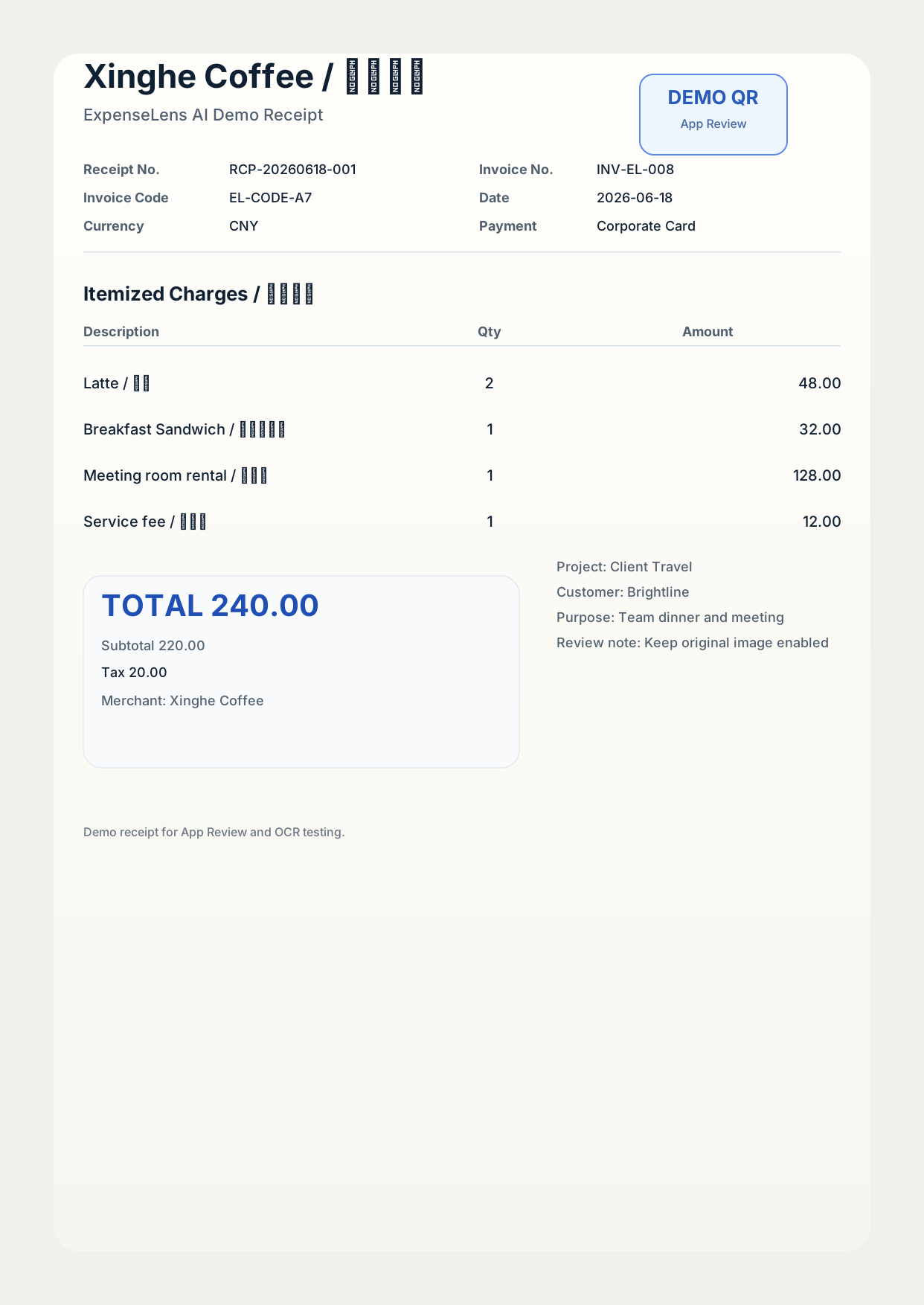
Demo receipt preview
Receipt ID: RCP-20260618-001
Use this image together with the in-app QR code to exercise the scan, OCR, edit, and export flow.

Review steps

Keep the flow deterministic for the reviewer.

1. Open Capture In the app, tap the sample receipt button or scan the QR code above.
2. Confirm OCR Review the extracted merchant, date, amount, warnings, and line items.
3. Export Finish by exporting CSV, JSON, or PDF to verify the end-to-end flow.